
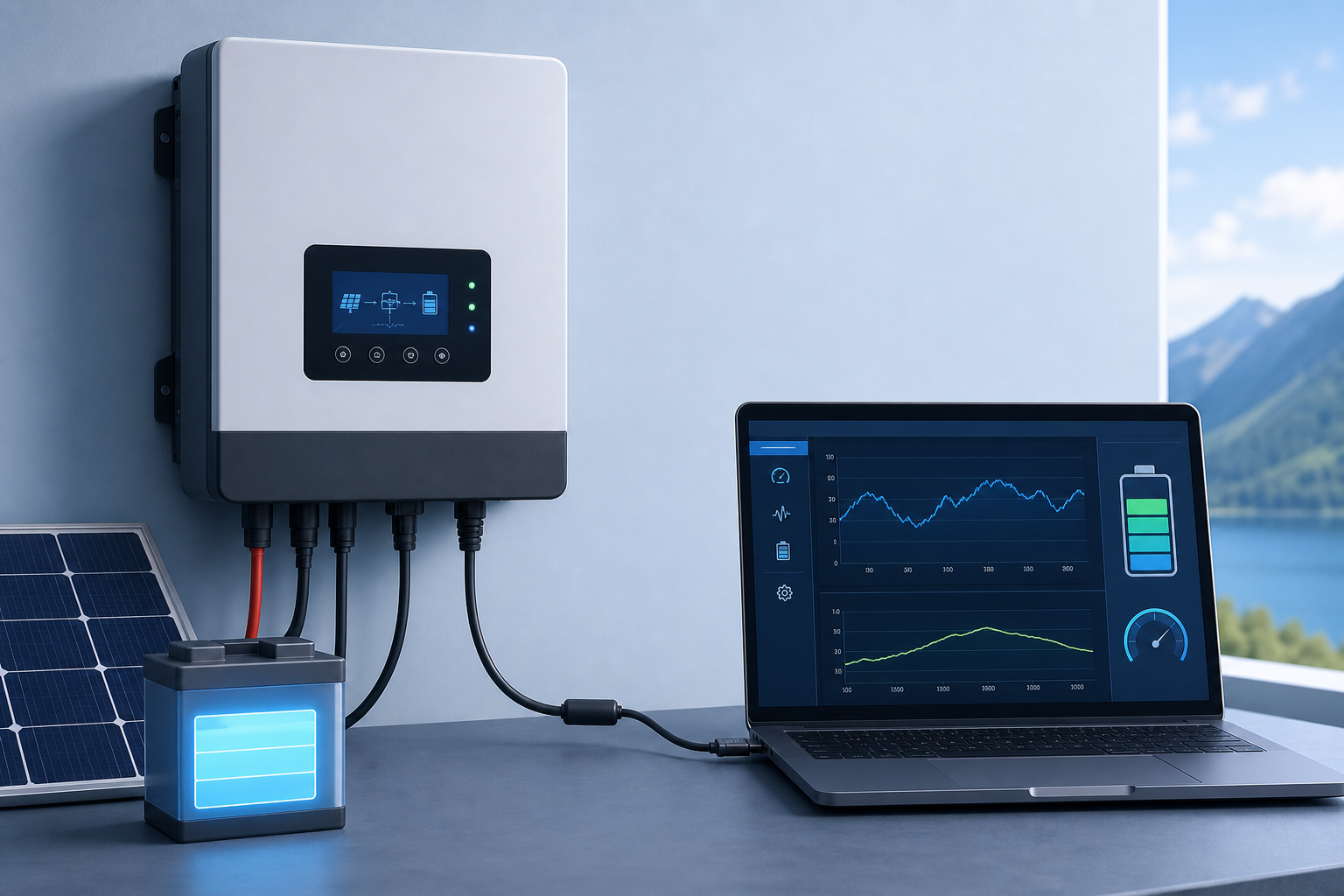
Monitoring POWMR Inverters Without WiFi: PC Software and Serial Options
The POWMR RJ45 Port and Direct PC Monitoring
The good news: you don’t need the WiFi dongle if you’re just monitoring from a PC. Most POWMR all-in-one units have an RJ45 port on the front that supports direct serial communication using the Modbus RTU protocol at 2400 baud.
Direct Connection via USB-to-Serial Adapter
Your RJ45 cable from ePever won’t work—it’s designed specifically for ePever charge controllers. However, you can get a generic RS485-to-USB adapter, which many users have successfully used with POWMR units. Connect the USB side to your computer, wire the A/B terminals to the corresponding pins in the RJ45 connector (consult your POWMR manual for exact pinout), and you’re ready for software monitoring.
SRNE Monitoring Software
SRNE is a Windows desktop application that communicates with certain POWMR models over USB. It’s fully compatible with models like the POW-HPM5.6KW and runs directly on your PC without any cloud connectivity or WiFi requirement. You’ll need the serial/USB adapter mentioned above. SRNE displays real-time data and lets you configure inverter settings locally.
Open-Source and Community Solutions
If you want more control, several projects reverse-engineered the POWMR protocol. The powmr_comm GitHub repository documents the serial communication format, and there’s ESPHome configuration available for advanced users who want to integrate POWMR with home automation systems like Home Assistant. These approaches require some technical setup but give you full customization.
Connectivity Checklist
- Confirm your POWMR model supports RS232/RS485 communication (check the manual)
- Get an RS485-to-USB adapter with A/B terminals—not the ePever one
- Install SRNE software or configure an alternative solution
- Test the connection with a single query to confirm baud rate and wiring are correct
When You Might Still Need WiFi
If you want true remote monitoring from outside your home (not just from a PC on the local network), you’ll need either the WiFi dongle or an internet-connected solution like NB-IoT. Local-only monitoring via USB/RS485 works only when your computer is nearby or on the same network.
The WiFi module adds convenience but isn’t required for PC-based data logging. Many users skip it entirely if they’re happy checking in from a desktop or a networked machine at home.
Sources